Focus & Productivity Wallpapers
Focus and productivity wallpapers that help you use your phone less. Minimal reminder designs for iPhone and Android, free.
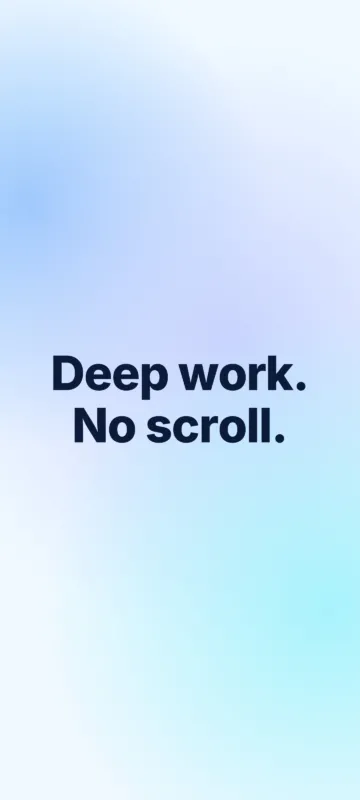 Deep work. No scroll – Focus & Productivity Wallpaper
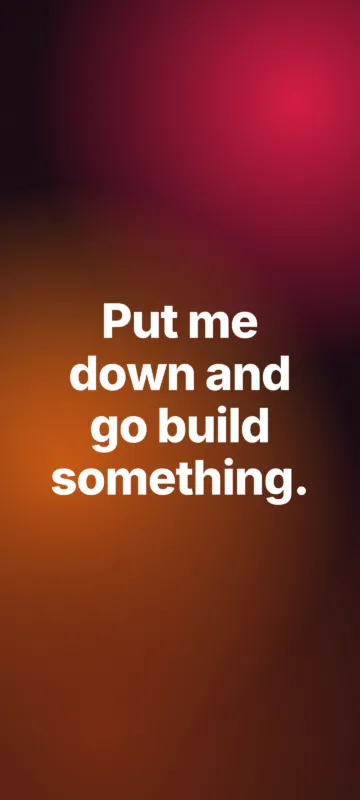 Put me down and go build something – Focus & Productivity Wallpaper
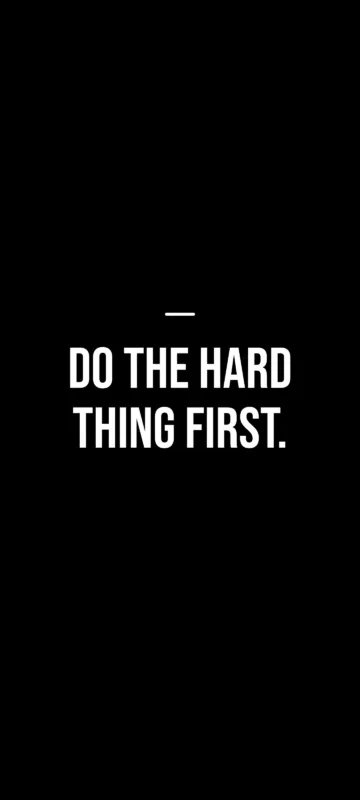 Do the hard thing first – Focus & Productivity Wallpaper
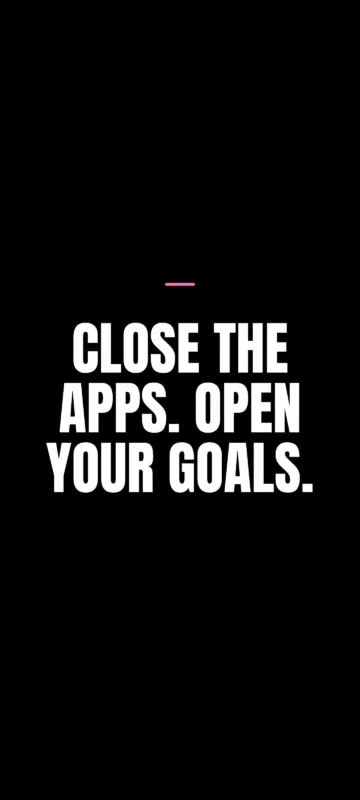 Close the apps. Open your goals – Focus & Productivity Wallpaper
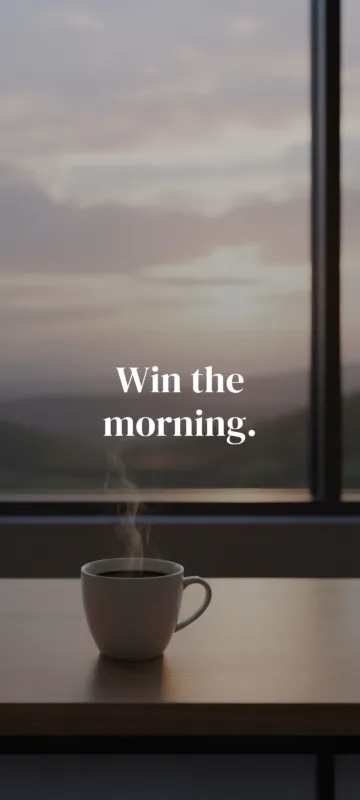 Win the morning – Discipline Wallpaper
 Focus is a superpower – Focus & Productivity Wallpaper
 Create – One Word Wallpaper
 Momentum – One Word Wallpaper
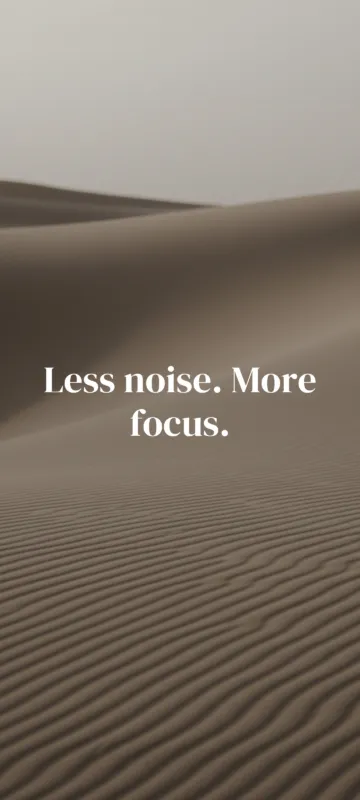 Less noise. More focus – Focus & Productivity Wallpaper
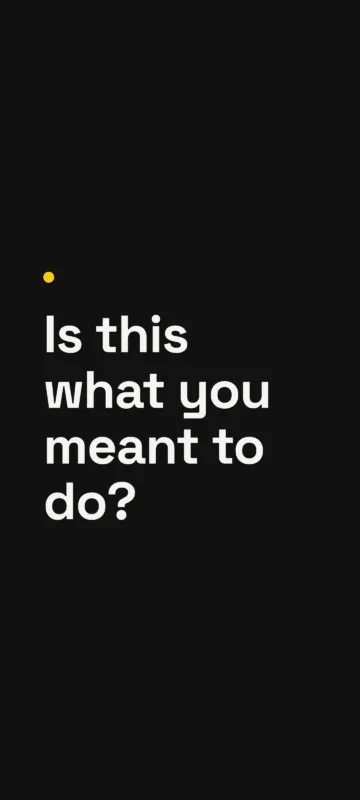 Is this what you meant to do – Focus & Productivity Wallpaper
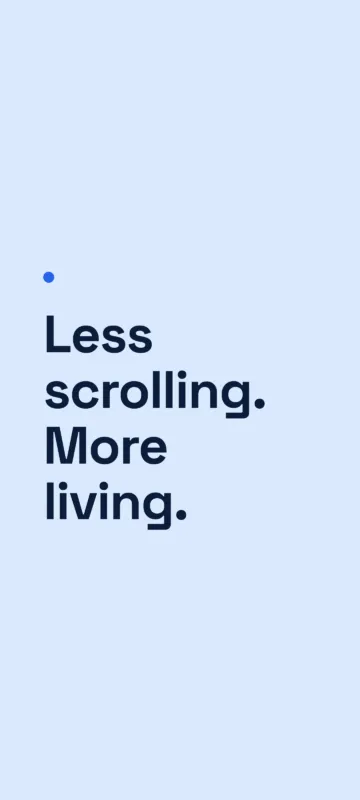 Less scrolling. More living – Focus & Productivity Wallpaper
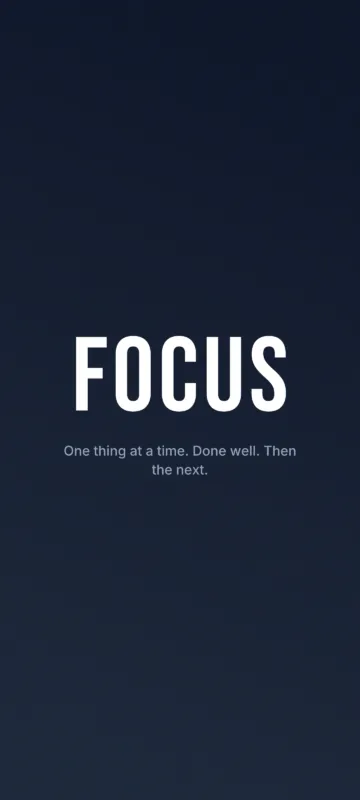 Focus – One Word Wallpaper
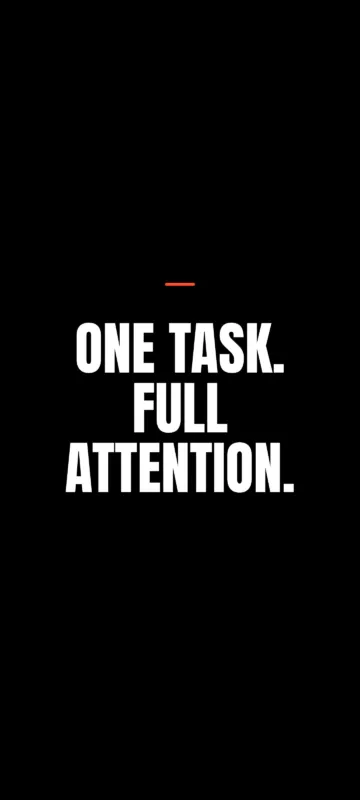 One task. Full attention – Focus & Productivity Wallpaper
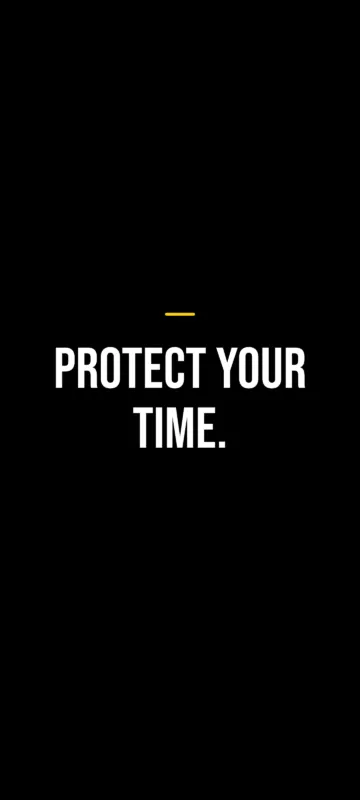 Protect your time – Focus & Productivity Wallpaper
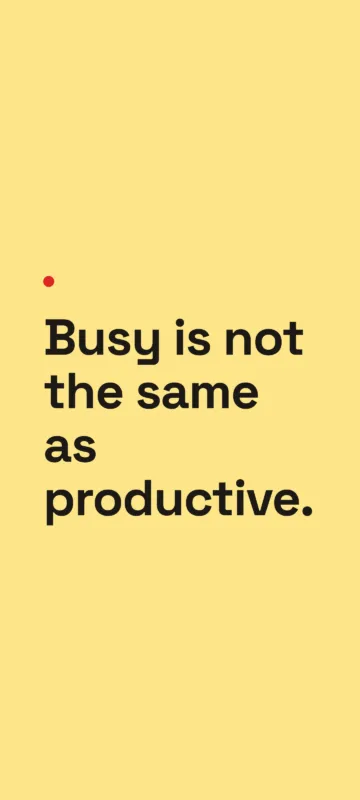 Busy is not the same as productive – Focus & Productivity Wallpaper
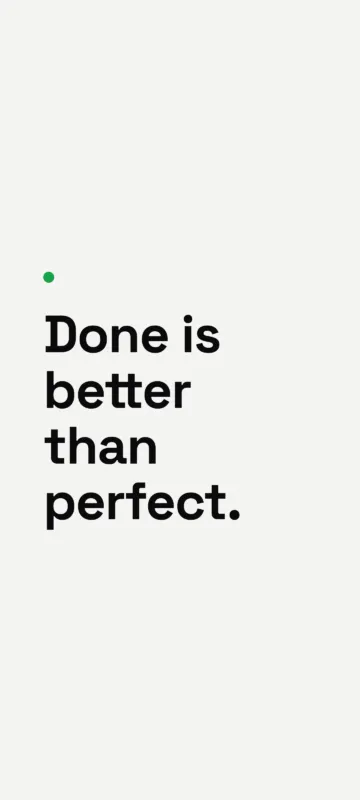 Done is better than perfect – Focus & Productivity Wallpaper
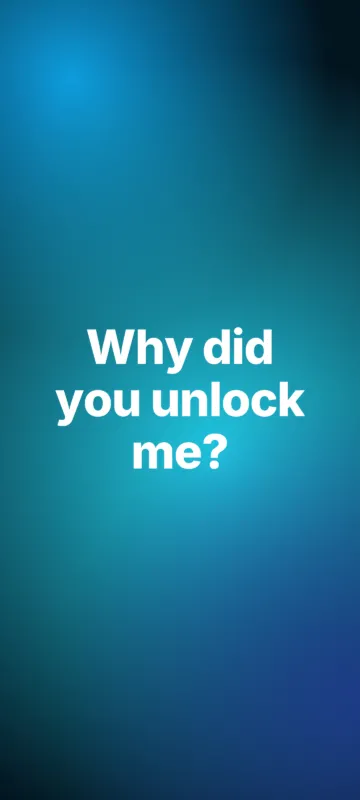 Why did you unlock me – Focus & Productivity Wallpaper
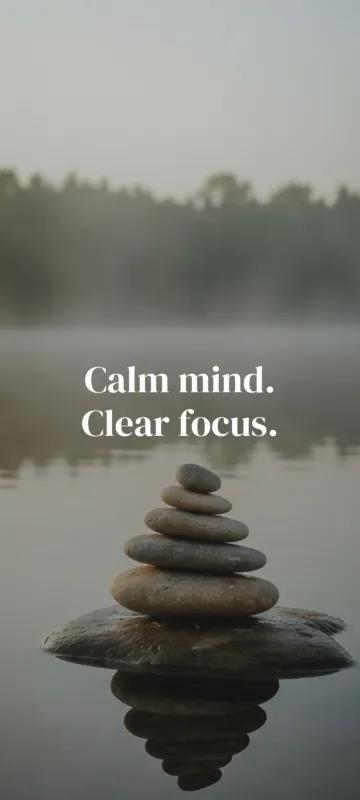 Calm mind. Clear focus – Focus & Productivity Wallpaper
About these focus & productivity wallpapers
Designed to break the scroll reflex. Each wallpaper asks one simple question - is this what you meant to do? - right where you need it.
Every design is mastered at 1440×3200 and can be downloaded in the exact size of your phone - iPhone 17, 16, 15, 14, 13, SE, Samsung Galaxy, Google Pixel, Xiaomi and more. The quote sits in the safe middle area of the screen, so your lock screen clock and widgets never cover it.
How to choose the right one
- Lock screen: pick a short, bold quote - you see it every time you pick up your phone.
- Home screen: go for a calm, darker design so app icons stay readable.
- OLED phones: true-black designs from the dark AMOLED style save a little battery.
Frequently asked questions
Are these focus & productivity wallpapers free?
Yes. All focus & productivity wallpapers on wpaperhd are free for personal use on your phone - no sign-up and no watermark.
Which size should I download for my phone?
Open the wallpaper on your phone and tap Download - we detect your screen and choose the closest size automatically (for example 1290×2796 for iPhone 15 Pro Max or 1080×2400 for most Android phones).
Will the text be covered by the lock screen clock?
No. The quote is placed in the middle safe zone, below the clock and above the flashlight and camera buttons on both iPhone and Android.
How often are new focus & productivity wallpapers added?
We add new designs every week. Save your favorites with the heart icon so you can find them again on this device.