Motivational Wallpapers for iPhone
Every wallpaper on wpaperhd downloads in the exact resolution of your iPhone – from the iPhone SE (750×1334) to the iPhone 17 Pro Max (1320×2868). Open any wallpaper on your iPhone and the download button automatically picks the right size.
The designs keep their quote in the middle of the screen, below the lock screen clock and above the flashlight and camera shortcuts, so nothing important gets covered. For the iOS depth effect, choose a design with empty space at the top.
New to custom wallpapers? Read how to set a wallpaper on iPhone.
Most downloaded
All wallpapers → He who fears death will never do anything worthy of a living man – Stoic Quotes Wallpaper
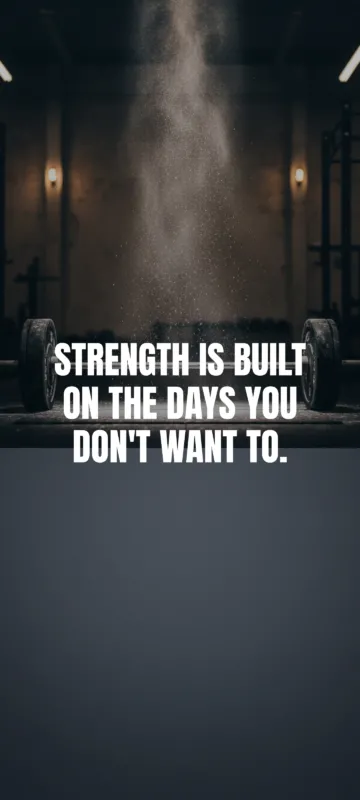 Strength is built on the days you don’t want to – Gym Motivation Wallpaper
 Hard is not impossible – Never Give Up Wallpaper
 Breathe. You’re doing better than you think – Positive Affirmations Wallpaper
 Grow – One Word Wallpaper
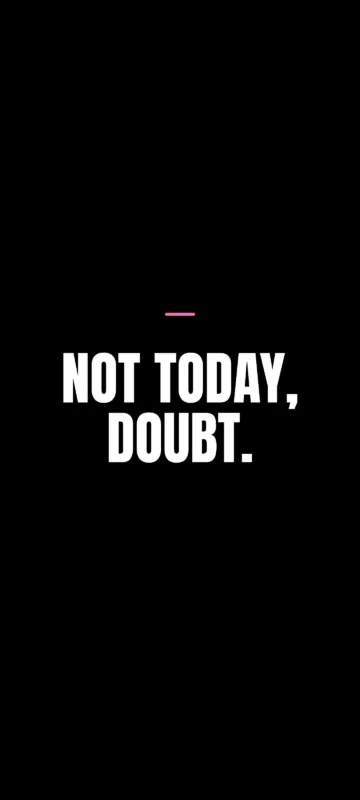 Not today, doubt – Never Give Up Wallpaper
 Deep work. No scroll – Focus & Productivity Wallpaper
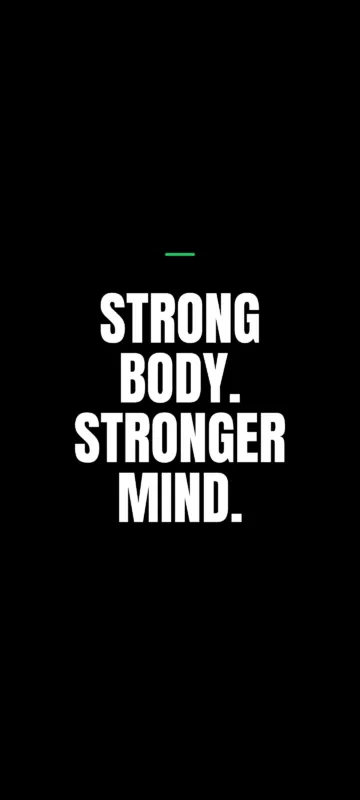 Strong body. Stronger mind – Gym Motivation Wallpaper
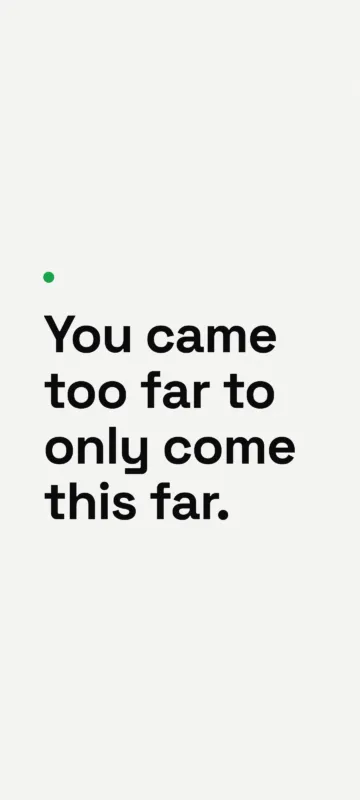 You came too far to only come this far – Study Motivation Wallpaper
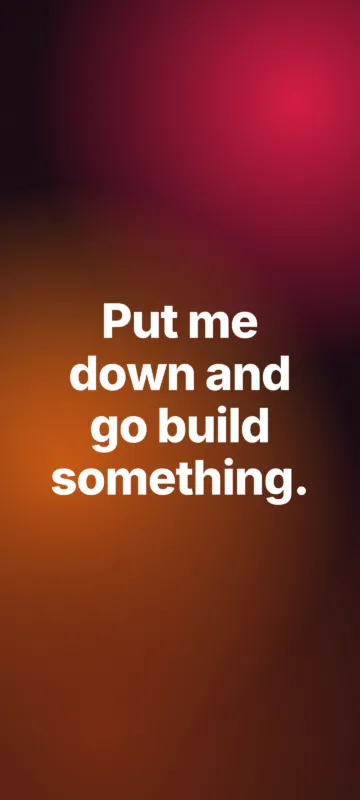 Put me down and go build something – Focus & Productivity Wallpaper
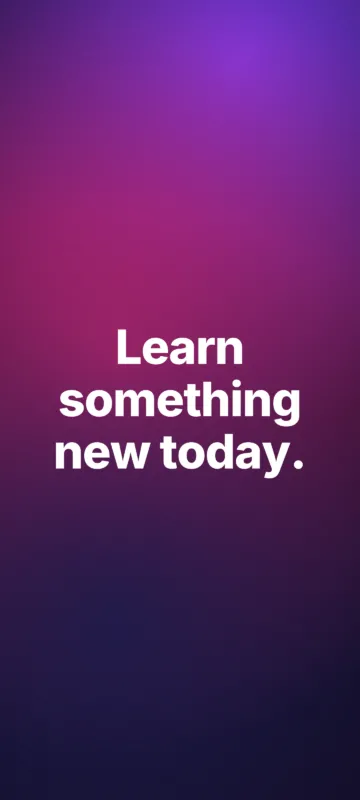 Learn something new today – Study Motivation Wallpaper
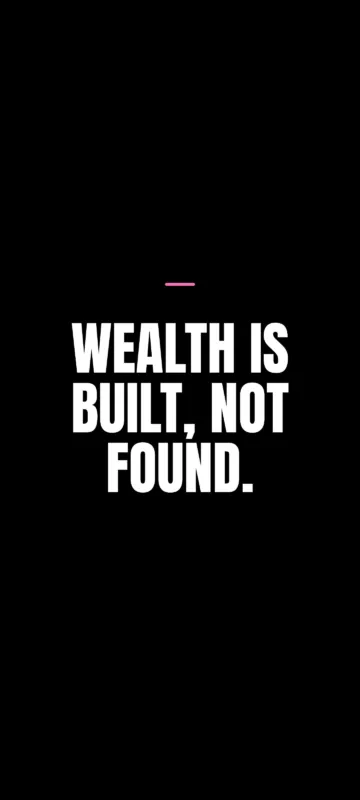 Wealth is built, not found – Money Mindset Wallpaper
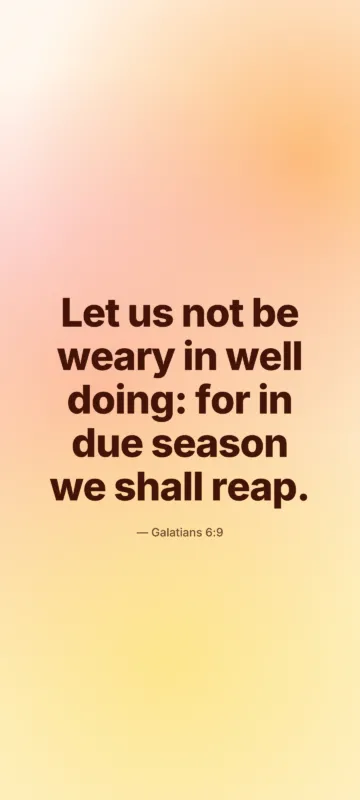 Let us not be weary in well doing: for in due season we shall reap – Bible Verses Wallpaper
 Your future self is watching – Discipline Wallpaper
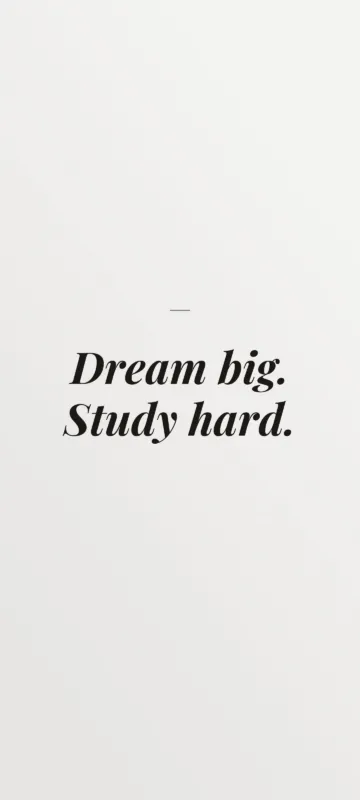 Dream big. Study hard – Study Motivation Wallpaper
 Your only limit is you – Success Mindset Wallpaper
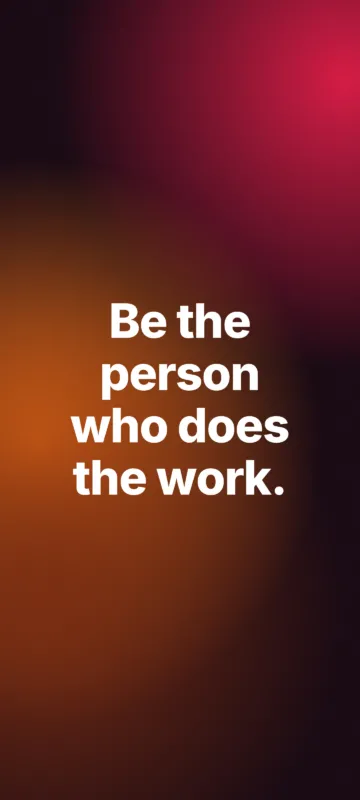 Be the person who does the work – Discipline Wallpaper
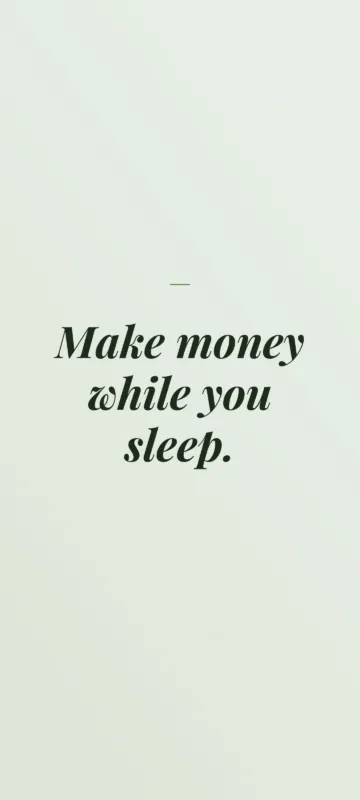 Make money while you sleep – Money Mindset Wallpaper
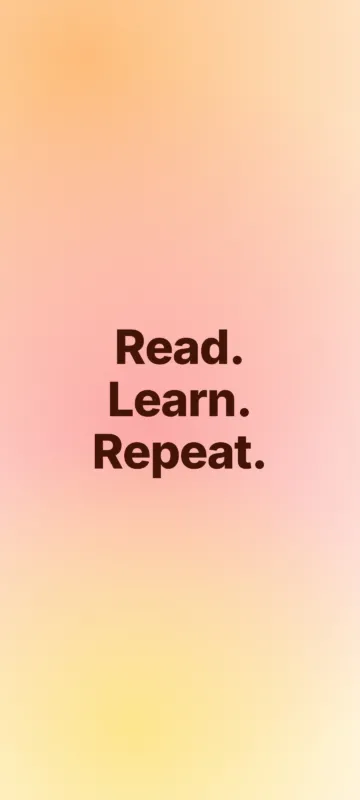 Read. Learn. Repeat – Study Motivation Wallpaper
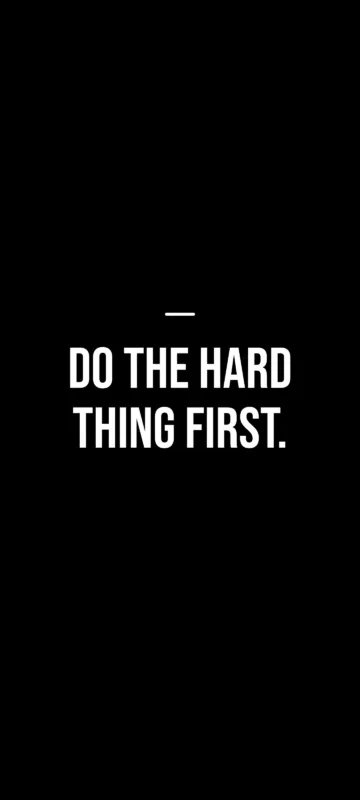 Do the hard thing first – Focus & Productivity Wallpaper
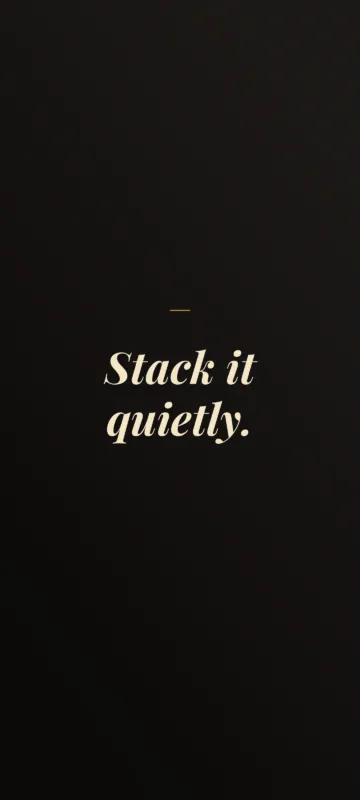 Stack it quietly – Money Mindset Wallpaper
 Win the morning. Win the day – Discipline Wallpaper
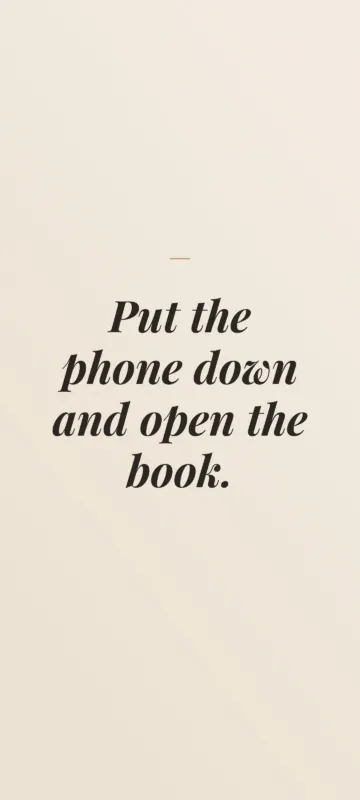 Put the phone down and open the book – Study Motivation Wallpaper
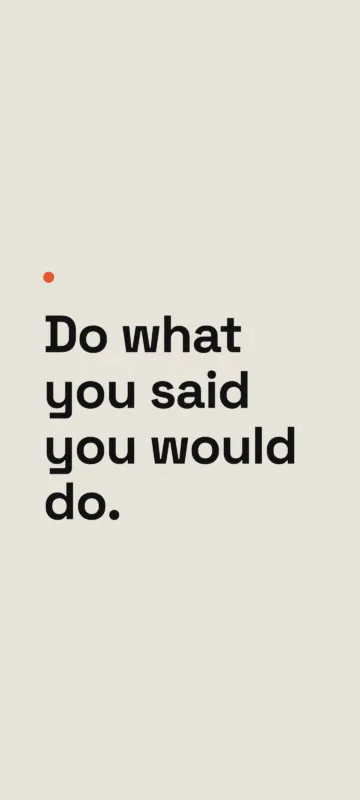 Do what you said you would do – Discipline Wallpaper
iPhone wallpaper sizes
| Resolution | Devices |
|---|---|
| 1440×3200 | Galaxy S24 Ultra, S23 Ultra, Pixel 8 Pro, OnePlus 12 |
| 1320×2868 | iPhone 16 Pro Max, iPhone 17 Pro Max |
| 1290×2796 | iPhone 14 Pro Max, 15 Plus, 15 Pro Max, 16 Plus |
| 1206×2622 | iPhone 16 Pro, iPhone 17, iPhone 17 Pro |
| 1179×2556 | iPhone 14 Pro, 15, 15 Pro, 16 |
| 1170×2532 | iPhone 12, 12 Pro, 13, 13 Pro, 14, 16e |
| 750×1334 | iPhone SE (2nd & 3rd gen), iPhone 8, iPhone 7 |
Collections
Frequently asked questions
What size wallpaper does my iPhone need?
iPhone 16 Pro Max and 17 Pro Max: 1320×2868. iPhone 15 Pro Max, 15 Plus and 16 Plus: 1290×2796. iPhone 16 Pro, 17 and 17 Pro: 1206×2622. iPhone 15, 15 Pro and 16: 1179×2556. iPhone 12, 13 and 14: 1170×2532. iPhone SE: 750×1334.
Why does my wallpaper look zoomed in on iPhone?
iOS can zoom wallpapers for the parallax "Perspective Zoom" effect. When you set the wallpaper, pinch to fit it, or turn off Perspective Zoom, and use the size made for your model.